Jewellery-style tags
A narrow bridge wraps the frame arm; the printed ends meet neatly. Set up your design to match the printable areas of your die-cut stock.
REFLEX / LABEL PRINT
From a frame on your shelf to a sale at your counter. Give every product a label that belongs.
01 / FIND YOUR FORMAT
Five ready-made layouts. Room to make your own.
Choose a format to try it in the studio.
Jewellery-style and transparent labels require suitable label stock, custom layout setup and a compatible printer. Formats and printing options vary by Reflex product.
02 / MAKE IT YOURS
Switch the format. Pick your fields. See it change.
An interactive taste of the Reflex label builder.
Brand + QR
Preview is illustrative, not a print-ready file. In Reflex, fine-tune positions, rotation, margins and gaps, save your design, and print selected products in batches. Test alignment on your own printer and label stock.
03 / OFF THE ROLL. ON THE FRAME.
A discreet sticker on the demo lens.
A neat loop around the temple. A place for every detail.
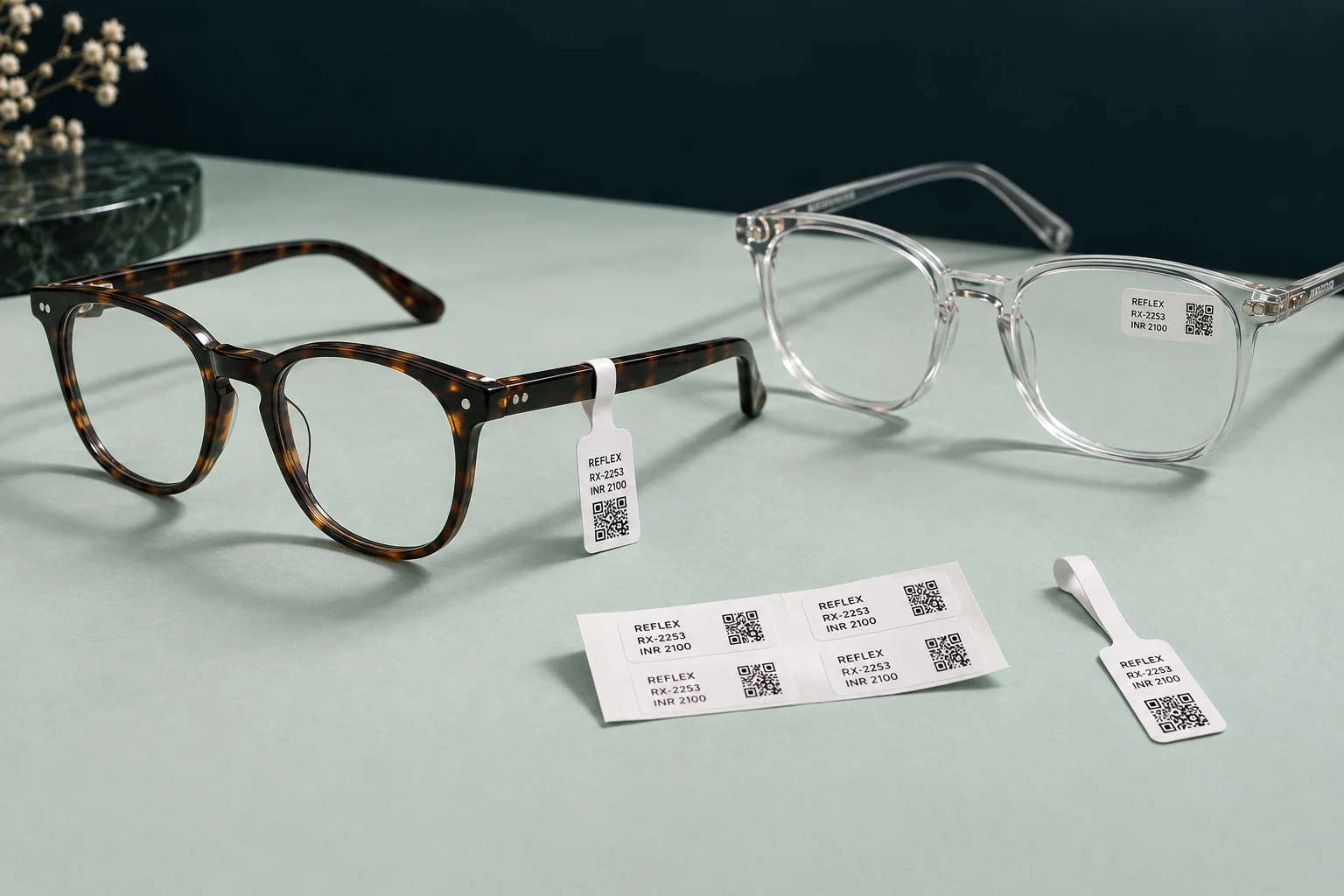
A narrow bridge wraps the frame arm; the printed ends meet neatly. Set up your design to match the printable areas of your die-cut stock.
Brand, model and price in a compact footprint. Choose removable optical-safe stock intended for your demo lenses.
Select products, set quantities or use stock counts, then send a consistent design across the batch.
FROM INVENTORY TO IDENTITY